Covers Manual 1 pp. 65–68.
Graphics#
Everything RPG Maker can show, apart from the map tiles of Map sets: the people and things that events wear, the monsters, the spell and weapon animations, the event Effects, the title screens, the fonts and windows, and the credits. Every picture here is drawn from the disc by the project's tools, with the game's own palettes, and the animations move at the game's speed. The numbers are the ones the editors show, unless a section says otherwise.
Characters#
A Character graphic is a walking figure: a person, a monster, an animal, a ship. Events wear one (Event Edit, a page's graphic), and so does every member of the party (Character Edit) Manual 1 p. 29. There are 68, numbered 1 to 68 in both editors; Character Edit also offers 0, No Graphic.
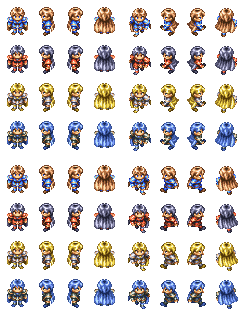
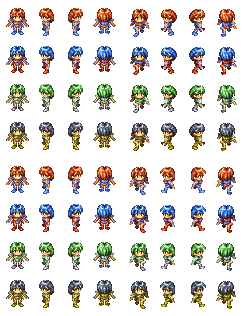
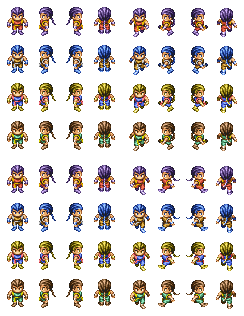
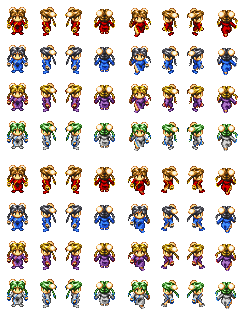
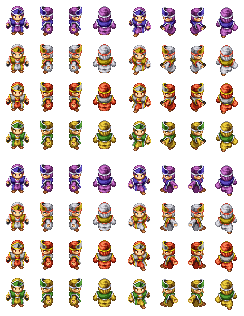
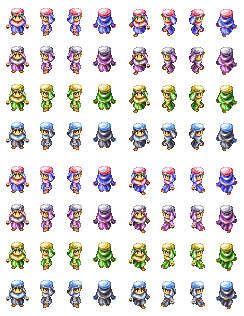
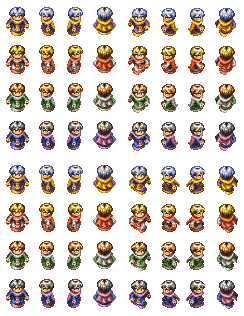
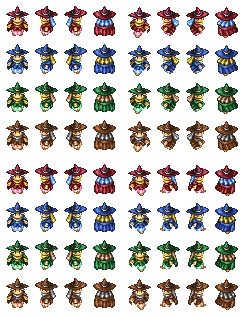
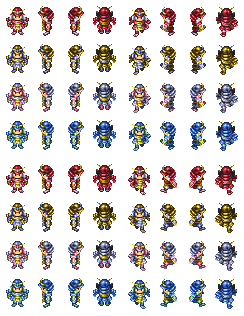
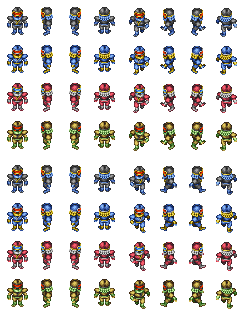
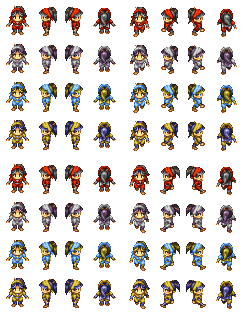
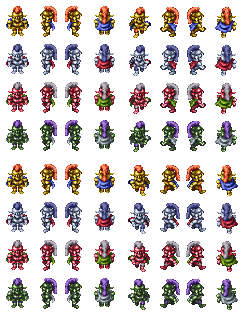
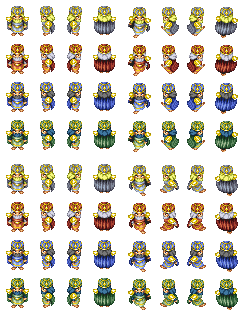
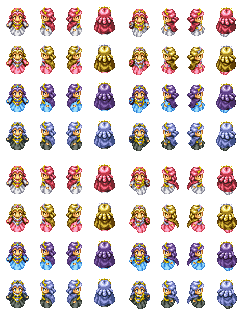
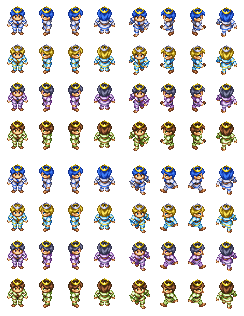
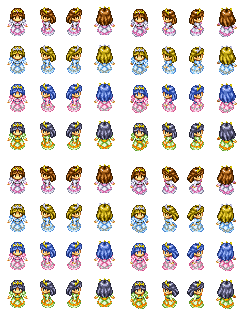
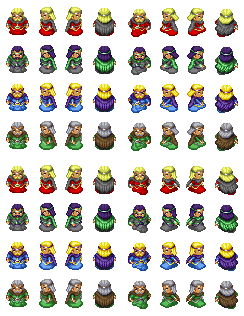
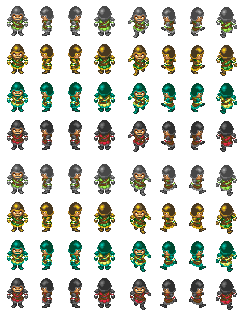
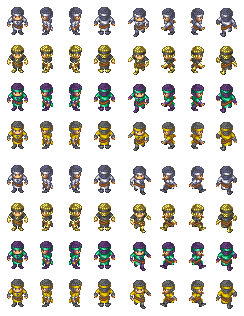
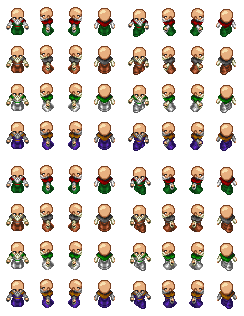
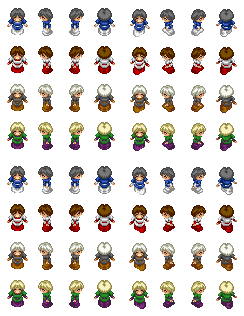
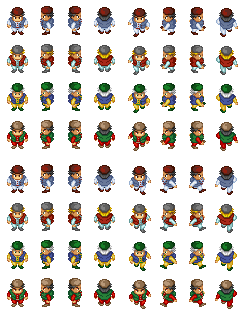
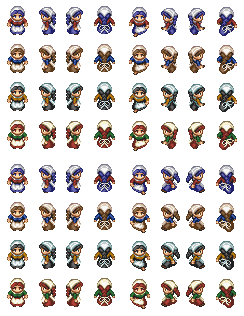
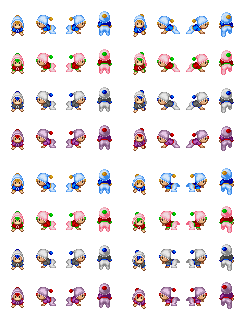
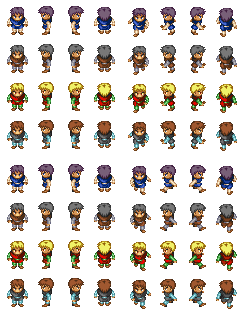
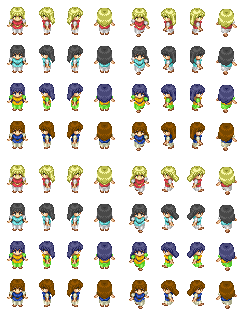
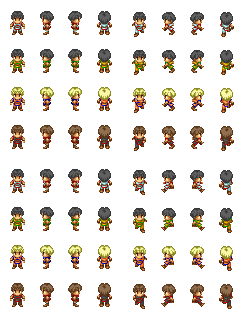
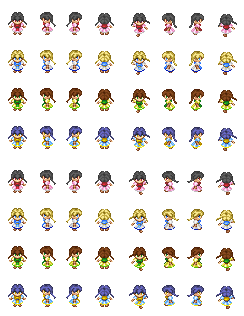
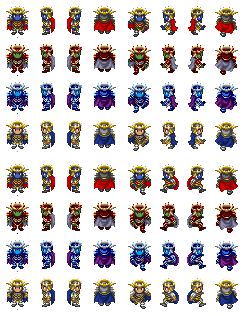
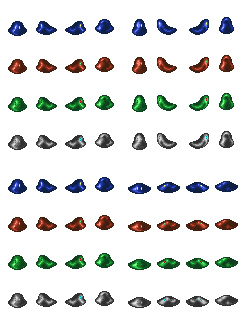
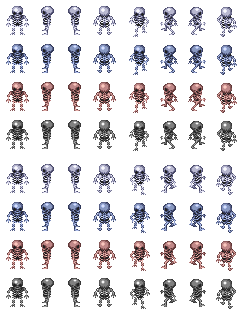
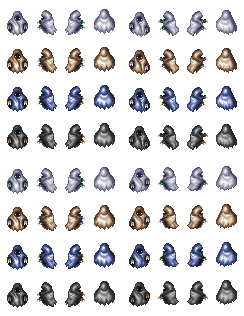
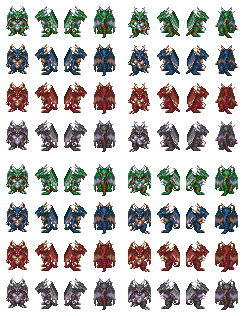
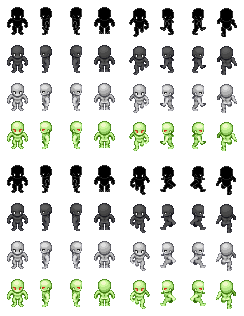
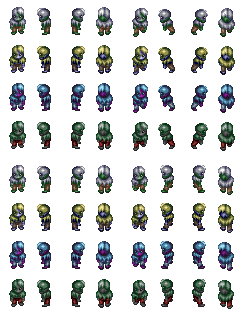
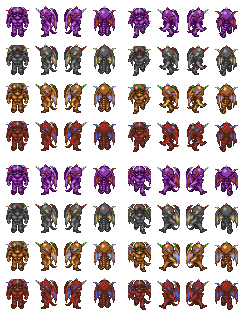
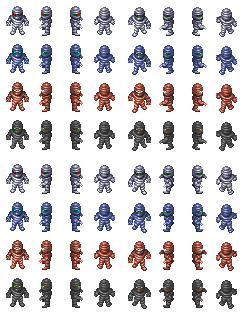
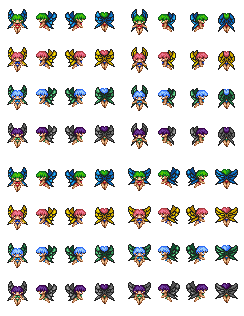
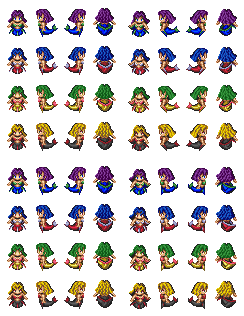
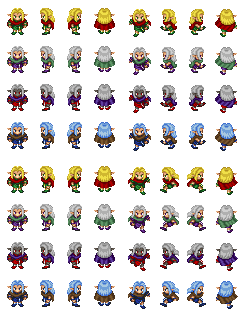
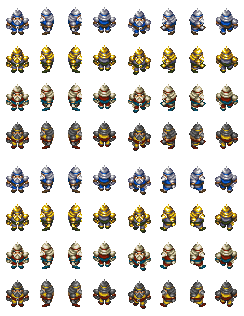
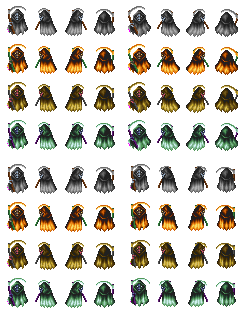
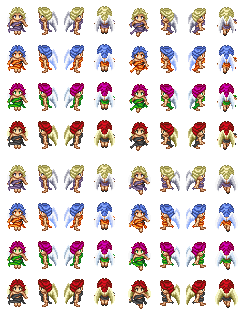
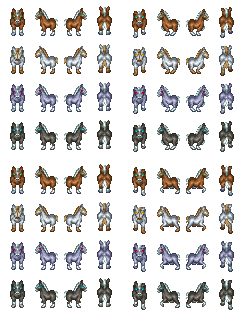
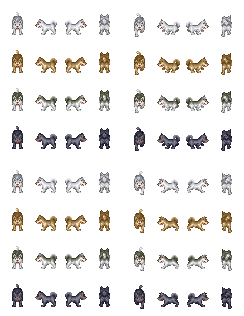
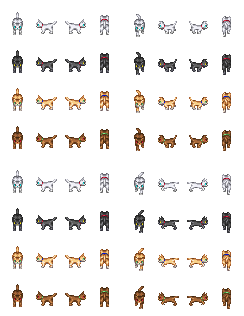
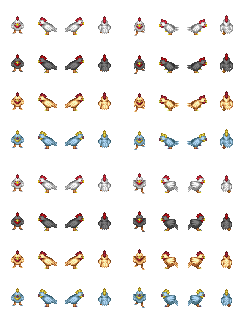
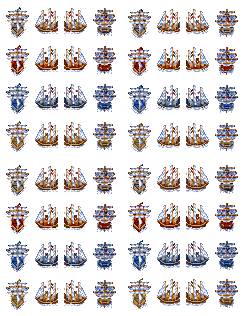
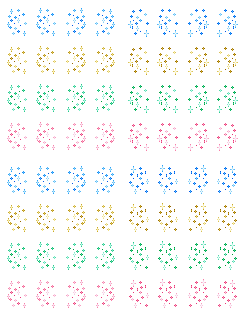
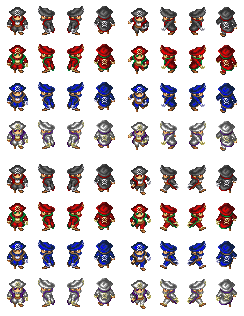
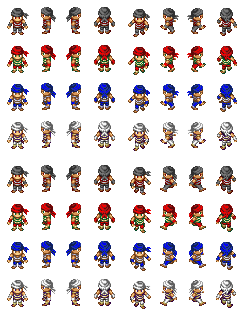
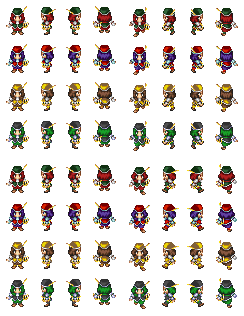
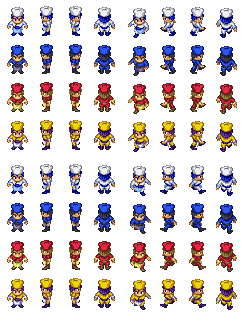
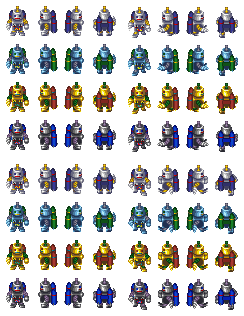
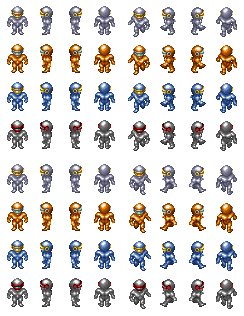
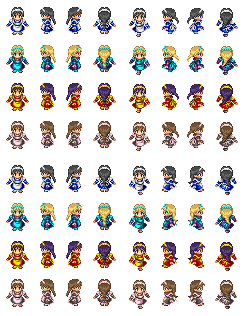
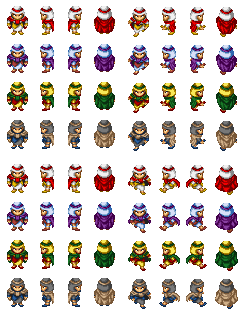
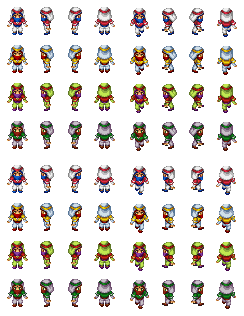
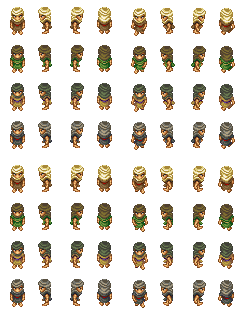
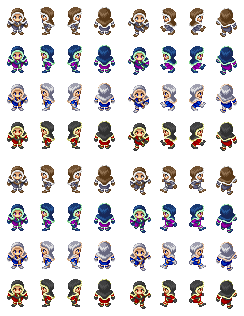
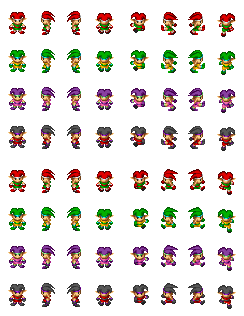
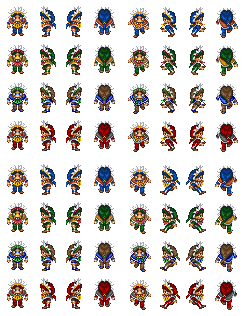
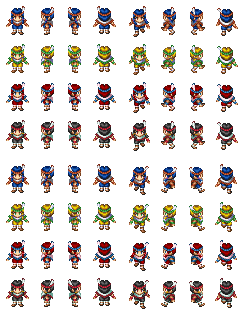
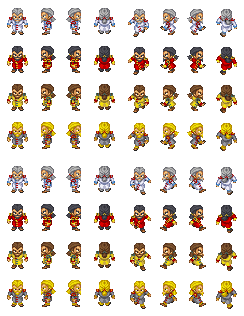
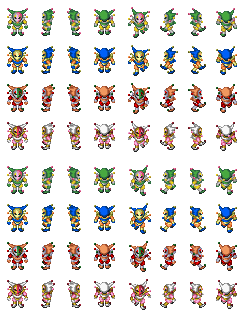
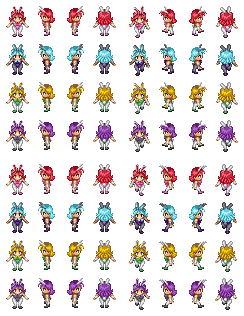
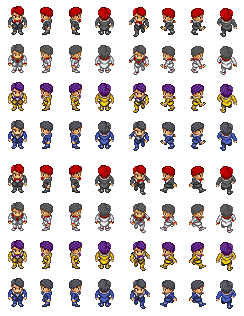
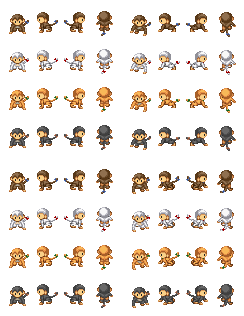
All 68 characters walking, each in its four colours.
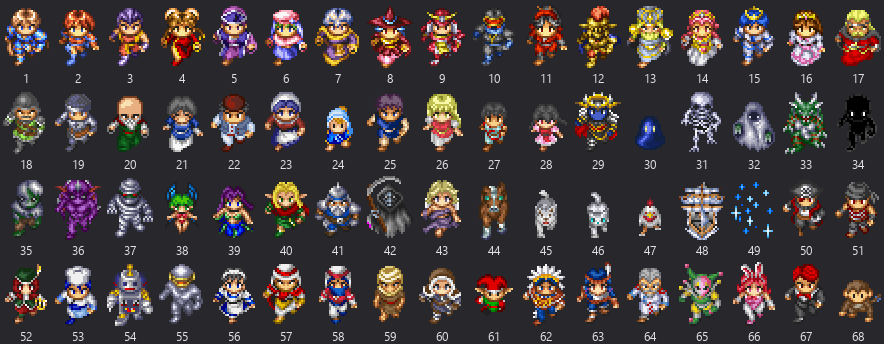
How a character is drawn:
- Four colours. Each graphic has four palettes, picked as Color 1 to Color 4. All 68 have four different colourings, so the same soldier can serve as four ranks or four kingdoms.
- Four facings from three rows. Each graphic has nine frames of 23 × 32 pixels: three walking down, three walking left, three walking up. Facing right is the left-facing frames mirrored.
- Standing and walking. A standing figure shows its middle frame. Walking steps through middle, left foot, middle, right foot, a step every 24 frames (every 12 when its Move Type is Fast).
- Taller than a cell. The figure is 32 pixels tall on a 24-pixel cell, so it stands with its head over the cell above it.
- Ghost. An event page can set its graphic to Ghost, which draws it half-transparent.
Not every "character" is a person: 30 is a blue blob, 31 a skeleton, 32 a ghost, 34 a black silhouette, 44 a horse, 47 a chicken, 48 a sailing ship and 49 a cloud of sparkles.
69 onwards are characters imported from Anime Maker: a 72 × 96 sheet of the same nine frames, drawn by the player in Anime Maker's Character editor. Colour doesn't apply to them. See Anime Maker.
Objects#
An Object graphic is a thing that stands on the map: a chest, a pot, a sign, a door, a tree, a statue, a fire. Events wear them like characters, but they don't walk. Their tiles are the common objects, which every map's layer B can also use (parts below 200; Map sets).
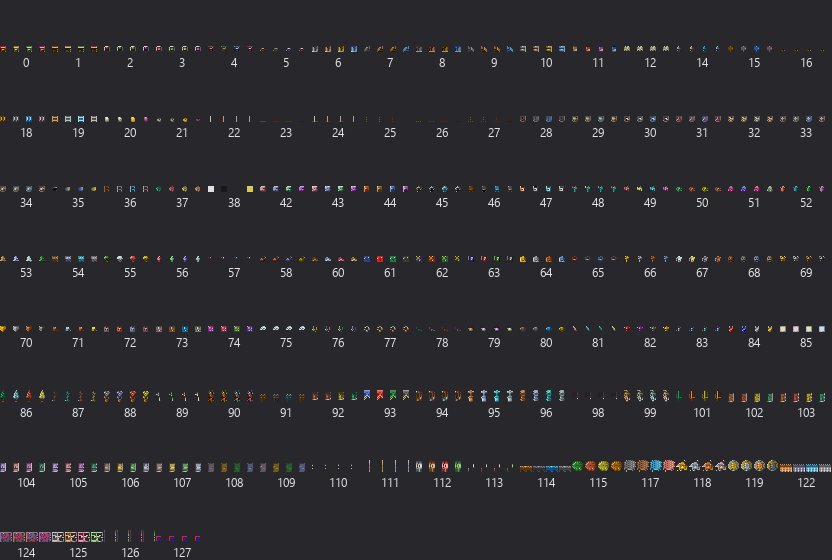
- Numbering. Event Edit's Object numbers run 1 to 127; the catalogue counts from 0. Event Edit's 1 is the red treasure chest.
- Shape. Objects 1–86 take one cell. 87–114 are tall (one cell and the cell above it: doors, trees, statues), 115 is wide (two cells side by side), and 116–127 are 2 × 2. The event stands on the bottom-left cell. Event Edit greys out a tall, wide or square object, and refuses it, when another event already holds a cell it needs.
- Four colours, like characters. Map layer B always uses colour 1.
- Blocking and triggers. Object tiles carry the same blocking flags as map tiles. An object's event can only be bumped into or checked at the cells that start it, never at the top half of a tall object.
- Moving objects. Twelve objects cycle their palettes. Their cycles run from the first map of a session and never restart (Map sets).
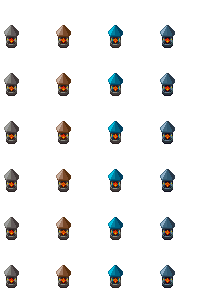
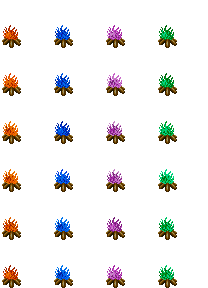

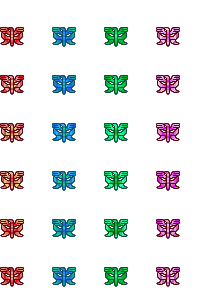

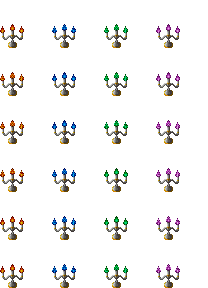
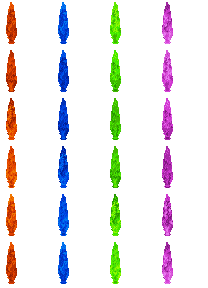
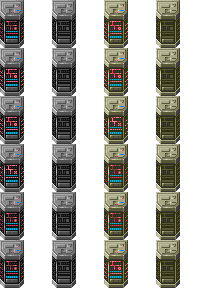

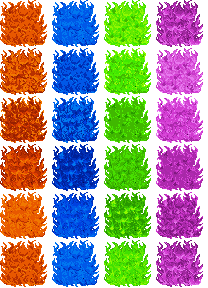
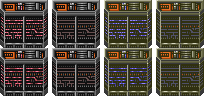

The twelve objects whose palettes cycle, in their four colours (catalogue numbers: add 1 for Event Edit's).
Monsters#
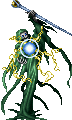
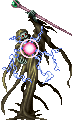
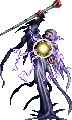
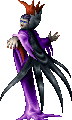
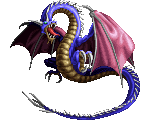
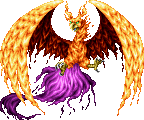
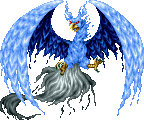
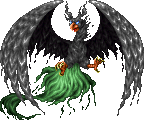
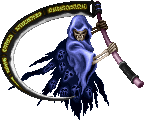
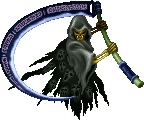
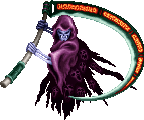
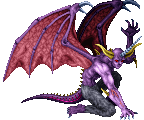
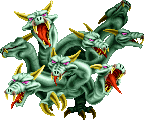
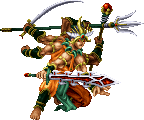
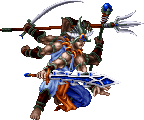
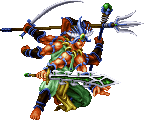
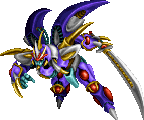
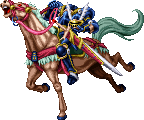
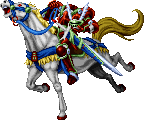
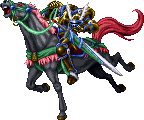
A monster record in Monster Edit picks one of 99 built-in monster graphics, or an imported one Manual 1 pp. 37–42. Picking a graphic also fills in its default name, until you have typed a name of your own.
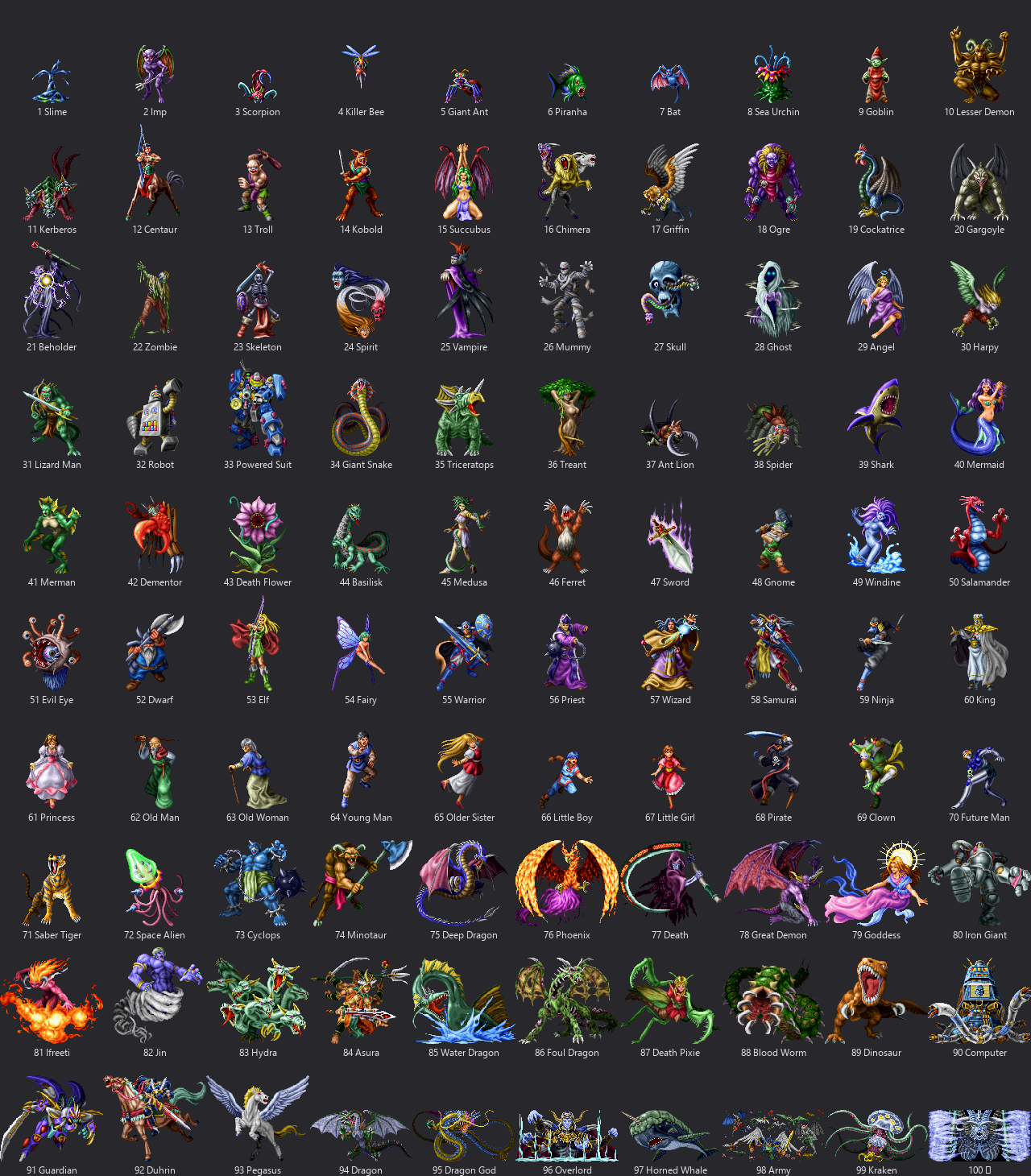
Four sizes. The width decides how many fit in a battle:
| Graphics | Width | Height | Examples |
|---|---|---|---|
| 1–9 | 48 | 48 or 72 | Slime, Imp, Scorpion, Bat, Goblin |
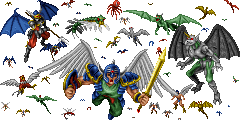
| 10–72 | 72 | 72, 96 or 120 | Lesser Demon to Space Alien |
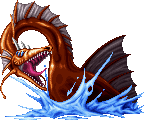
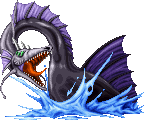
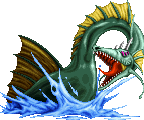
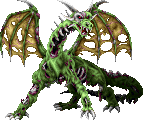
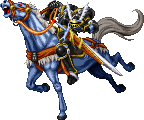
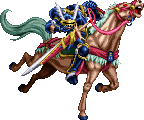
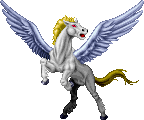
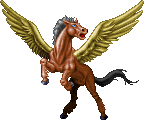
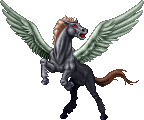
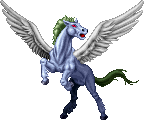
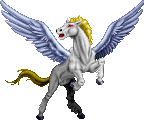
| 73–93 | 144 (Hydra 120) | 120 | Cyclops to Pegasus |
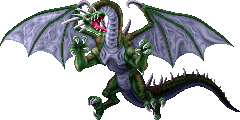
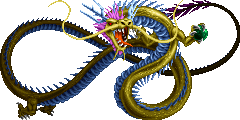
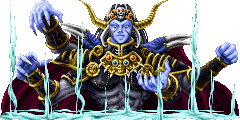
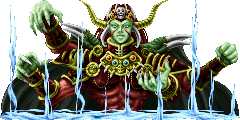
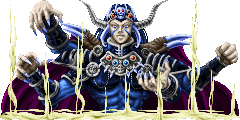
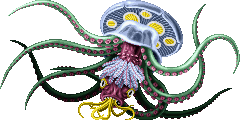
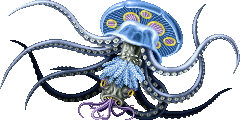
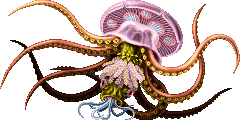
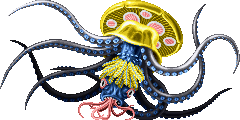
| 94–99 | 240 | 120 | Dragon to Kraken |
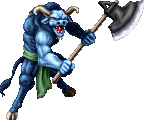
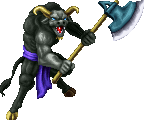
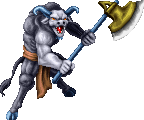
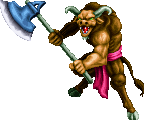
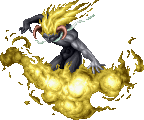
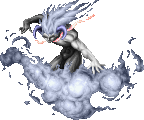
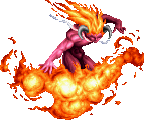
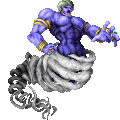
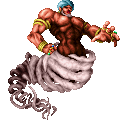
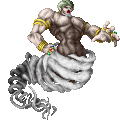
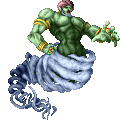
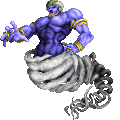
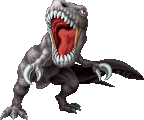
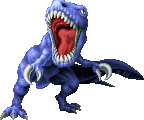
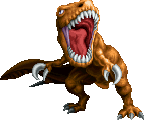
Four colours. Monster Edit's Color picks one of four palettes for the same picture, so one graphic can be a weak monster and a strong one.
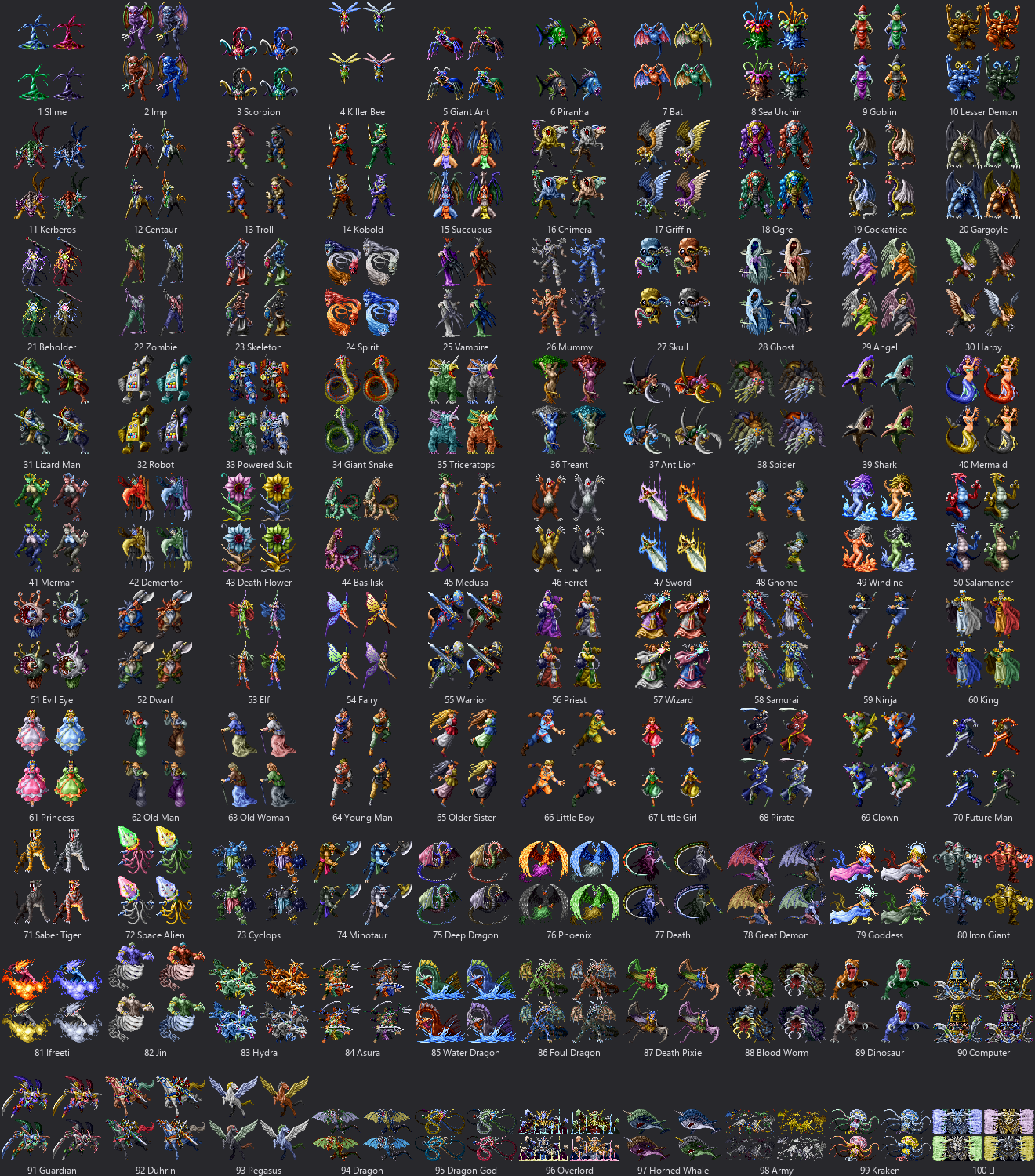
Reverse turns the monster to face the other way. It isn't quite a mirror: the game draws the flipped picture one pixel to the left and repeats one column, so a reversed monster sits a pixel off. The catalogue's reversed pictures are drawn that way.
The line-up. A battle takes the group's monsters in order, up to six, and stops at the first one that would no longer fit across the 312-pixel battle area, counting 2 pixels between neighbours. The ones that fit are spaced evenly, their feet on one line. So six 48-wide monsters fit, two 240-wide ones never do, and a big monster early in the list can push out everything after it. The rules for groups are on Monster Appearance.
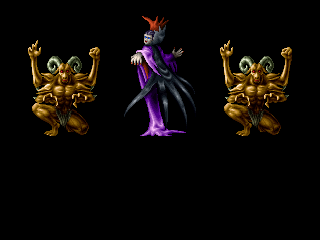
| No. | Default name | Size (pixels) | Colours | Reversed |
|---|---|---|---|---|
| 1 | Slime | 48 × 72 | 1 2 3 4 | reversed |
| 2 | Imp | 48 × 72 | 1 2 3 4 | reversed |
| 3 | Scorpion | 48 × 48 | 1 2 3 4 | reversed |
| 4 | Killer Bee | 48 × 72 | 1 2 3 4 | reversed |
| 5 | Giant Ant | 48 × 48 | 1 2 3 4 | reversed |
| 6 | Piranha | 48 × 72 | 1 2 3 4 | reversed |
| 7 | Bat | 48 × 48 | 1 2 3 4 | reversed |
| 8 | Sea Urchin | 48 × 72 | 1 2 3 4 | reversed |
| 9 | Goblin | 48 × 72 | 1 2 3 4 | reversed |
| 10 | Lesser Demon | 72 × 96 | 1 2 3 4 | reversed |
| 11 | Kerberos | 72 × 96 | 1 2 3 4 | reversed |
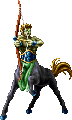
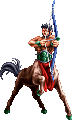
| 12 | Centaur | 72 × 120 | 1 2 3 4 | reversed |
| 13 | Troll | 72 × 96 | 1 2 3 4 | reversed |
| 14 | Kobold | 72 × 96 | 1 2 3 4 | reversed |
| 15 | Succubus | 72 × 96 | 1 2 3 4 | reversed |
| 16 | Chimera | 72 × 96 | 1 2 3 4 | reversed |
| 17 | Griffin | 72 × 96 | 1 2 3 4 | reversed |
| 18 | Ogre | 72 × 96 | 1 2 3 4 | reversed |
| 19 | Cockatrice | 72 × 96 | 1 2 3 4 | reversed |
| 20 | Gargoyle | 72 × 96 | 1 2 3 4 | reversed |
| 21 | Beholder | 72 × 120 | 1 2 3 4 | reversed |
| 22 | Zombie | 72 × 96 | 1 2 3 4 | reversed |
| 23 | Skeleton | 72 × 96 | 1 2 3 4 | reversed |
| 24 | Spirit | 72 × 96 | 1 2 3 4 | reversed |
| 25 | Vampire | 72 × 120 | 1 2 3 4 | reversed |
| 26 | Mummy | 72 × 96 | 1 2 3 4 | reversed |
| 27 | Skull | 72 × 96 | 1 2 3 4 | reversed |
| 28 | Ghost | 72 × 96 | 1 2 3 4 | reversed |
| 29 | Angel | 72 × 96 | 1 2 3 4 | reversed |
| 30 | Harpy | 72 × 96 | 1 2 3 4 | reversed |
| 31 | Lizard Man | 72 × 96 | 1 2 3 4 | reversed |
| 32 | Robot | 72 × 96 | 1 2 3 4 | reversed |
| 33 | Powered Suit | 72 × 120 | 1 2 3 4 | reversed |
| 34 | Giant Snake | 72 × 96 | 1 2 3 4 | reversed |
| 35 | Triceratops | 72 × 96 | 1 2 3 4 | reversed |
| 36 | Treant | 72 × 96 | 1 2 3 4 | reversed |
| 37 | Ant Lion | 72 × 72 | 1 2 3 4 | reversed |
| 38 | Spider | 72 × 72 | 1 2 3 4 | reversed |
| 39 | Shark | 72 × 96 | 1 2 3 4 | reversed |
| 40 | Mermaid | 72 × 96 | 1 2 3 4 | reversed |
| 41 | Merman | 72 × 96 | 1 2 3 4 | reversed |
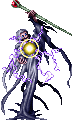
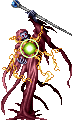
| 42 | Dementor | 72 × 96 | 1 2 3 4 | reversed |
| 43 | Death Flower | 72 × 96 | 1 2 3 4 | reversed |
| 44 | Basilisk | 72 × 96 | 1 2 3 4 | reversed |
| 45 | Medusa | 72 × 96 | 1 2 3 4 | reversed |
| 46 | Ferret | 72 × 96 | 1 2 3 4 | reversed |
| 47 | Sword | 72 × 96 | 1 2 3 4 | reversed |
| 48 | Gnome | 72 × 96 | 1 2 3 4 | reversed |
| 49 | Windine | 72 × 96 | 1 2 3 4 | reversed |
| 50 | Salamander | 72 × 96 | 1 2 3 4 | reversed |
| 51 | Evil Eye | 72 × 96 | 1 2 3 4 | reversed |
| 52 | Dwarf | 72 × 96 | 1 2 3 4 | reversed |
| 53 | Elf | 72 × 120 | 1 2 3 4 | reversed |
| 54 | Fairy | 72 × 96 | 1 2 3 4 | reversed |
| 55 | Warrior | 72 × 96 | 1 2 3 4 | reversed |
| 56 | Priest | 72 × 96 | 1 2 3 4 | reversed |
| 57 | Wizard | 72 × 96 | 1 2 3 4 | reversed |
| 58 | Samurai | 72 × 96 | 1 2 3 4 | reversed |
| 59 | Ninja | 72 × 96 | 1 2 3 4 | reversed |
| 60 | King | 72 × 96 | 1 2 3 4 | reversed |
| 61 | Princess | 72 × 96 | 1 2 3 4 | reversed |
| 62 | Old Man | 72 × 96 | 1 2 3 4 | reversed |
| 63 | Old Woman | 72 × 96 | 1 2 3 4 | reversed |
| 64 | Young Man | 72 × 96 | 1 2 3 4 | reversed |
| 65 | Older Sister | 72 × 96 | 1 2 3 4 | reversed |
| 66 | Little Boy | 72 × 72 | 1 2 3 4 | reversed |
| 67 | Little Girl | 72 × 96 | 1 2 3 4 | reversed |
| 68 | Pirate | 72 × 96 | 1 2 3 4 | reversed |
| 69 | Clown | 72 × 96 | 1 2 3 4 | reversed |
| 70 | Future Man | 72 × 96 | 1 2 3 4 | reversed |
| 71 | Saber Tiger | 72 × 96 | 1 2 3 4 | reversed |
| 72 | Space Alien | 72 × 96 | 1 2 3 4 | reversed |
| 73 | Cyclops | 144 × 120 | 1 2 3 4 | reversed |
| 74 | Minotaur | 144 × 120 | 1 2 3 4 | reversed |
| 75 | Deep Dragon | 144 × 120 | 1 2 3 4 | reversed |
| 76 | Phoenix | 144 × 120 | 1 2 3 4 | reversed |
| 77 | Death | 144 × 120 | 1 2 3 4 | reversed |
| 78 | Great Demon | 144 × 120 | 1 2 3 4 | reversed |
| 79 | Goddess | 144 × 120 | 1 2 3 4 | reversed |
| 80 | Iron Giant | 144 × 120 | 1 2 3 4 | reversed |
| 81 | Ifreeti | 144 × 120 | 1 2 3 4 | reversed |
| 82 | Jin | 120 × 120 | 1 2 3 4 | reversed |
| 83 | Hydra | 144 × 120 | 1 2 3 4 | reversed |
| 84 | Asura | 144 × 120 | 1 2 3 4 | reversed |
| 85 | Water Dragon | 144 × 120 | 1 2 3 4 | reversed |
| 86 | Foul Dragon | 144 × 120 | 1 2 3 4 | reversed |
| 87 | Death Pixie | 144 × 120 | 1 2 3 4 | reversed |
| 88 | Blood Worm | 144 × 120 | 1 2 3 4 | reversed |
| 89 | Dinosaur | 144 × 120 | 1 2 3 4 | reversed |
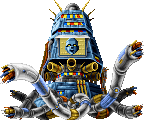
| 90 | Computer | 144 × 120 | 1 2 3 4 | reversed |
| 91 | Guardian | 144 × 120 | 1 2 3 4 | reversed |
| 92 | Duhrin | 144 × 120 | 1 2 3 4 | reversed |
| 93 | Pegasus | 144 × 120 | 1 2 3 4 | reversed |
| 94 | Dragon | 240 × 120 | 1 2 3 4 | reversed |
| 95 | Dragon God | 240 × 120 | 1 2 3 4 | reversed |
| 96 | Overlord | 240 × 120 | 1 2 3 4 | reversed |
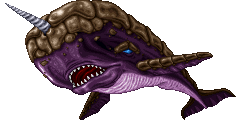
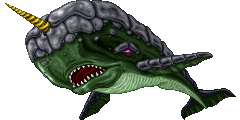
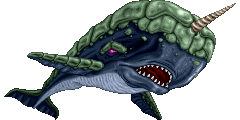
| 97 | Horned Whale | 240 × 120 | 1 2 3 4 | reversed |
| 98 | Army | 240 × 120 | 1 2 3 4 | reversed |
| 99 | Kraken | 240 × 120 | 1 2 3 4 | reversed |






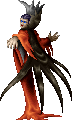
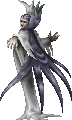
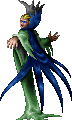
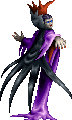


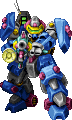
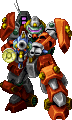
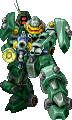
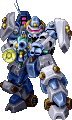
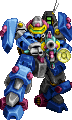


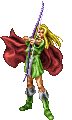
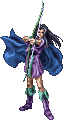
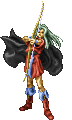
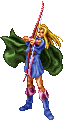
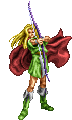


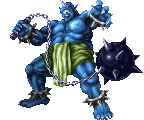
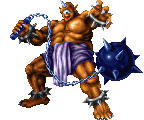
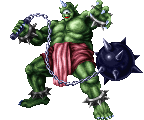
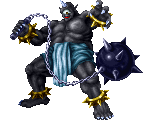
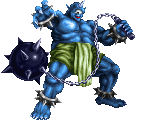
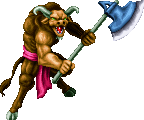
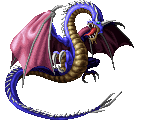
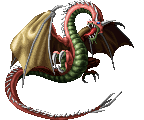
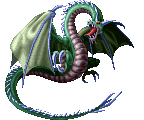
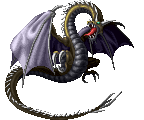
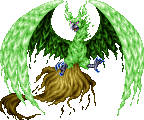
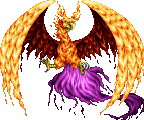
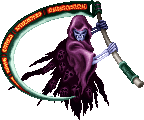
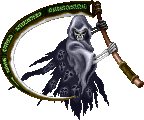
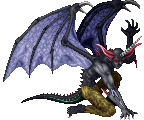
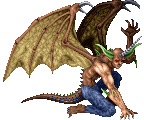
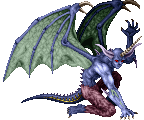
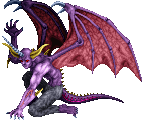
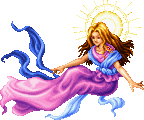
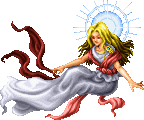
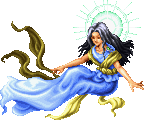
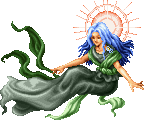
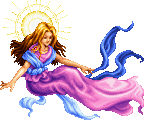
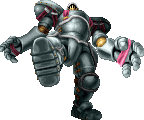
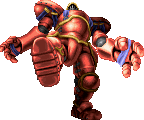
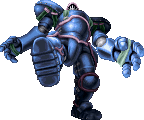
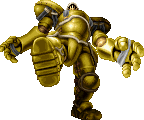
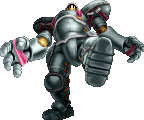
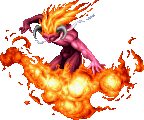
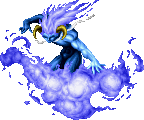
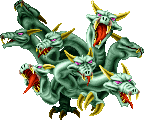
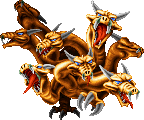
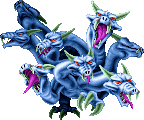
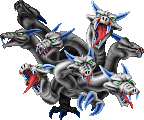
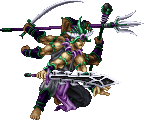
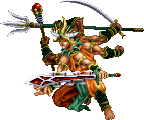
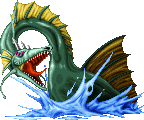
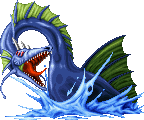
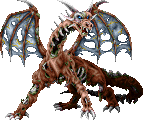
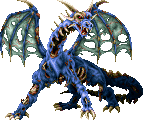
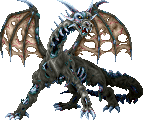
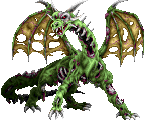
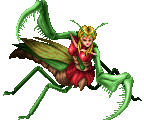
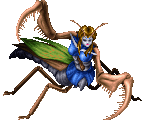
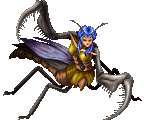
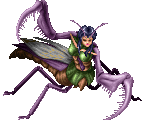
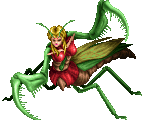
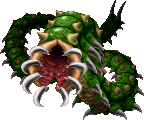
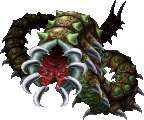
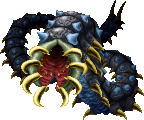
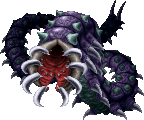
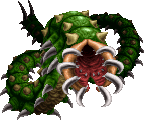
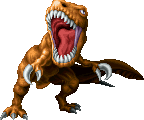
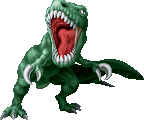
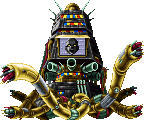
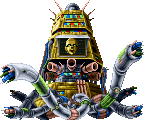
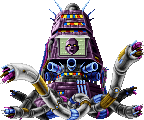
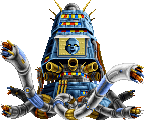
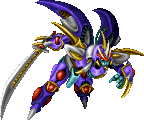
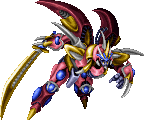
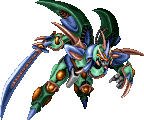
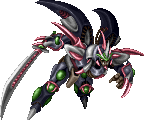
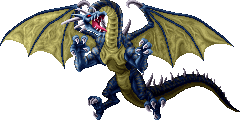
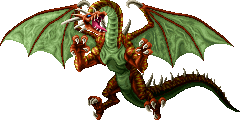
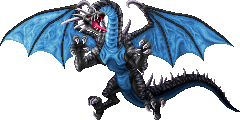
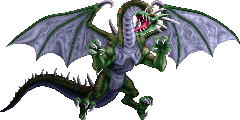
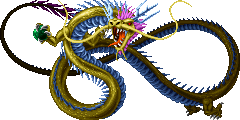
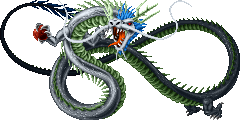
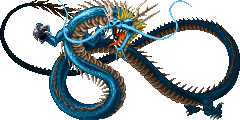
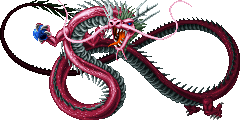
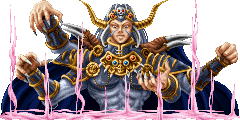
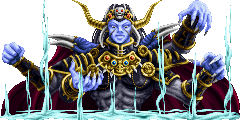
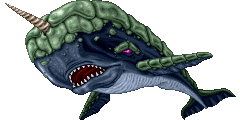
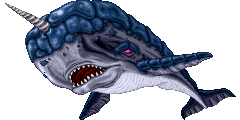
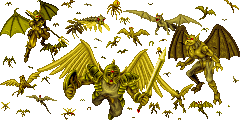
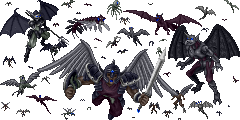
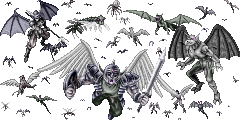
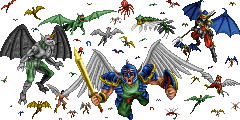
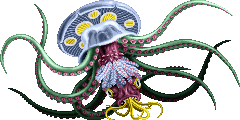
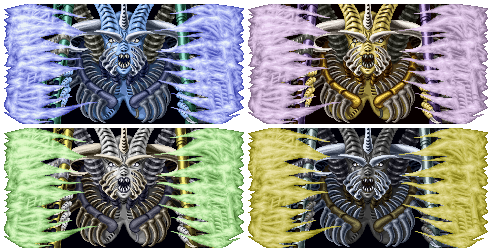
Imported monsters come from Anime Maker, in the same four widths and 120 pixels tall; Color doesn't apply to them. See Anime Maker.
Magic graphics#
A spell's animation (Magic Edit, Graphic, which opens Animation Edit) is up to three actions, each showing one of 30 magic graphics from a 32 × 32 picture, scaled from 50 % to 800 %, placed, moved, faded, shaken and spun Manual 1 pp. 21–22. Most graphics cycle their palettes while they play. The 16 Samples are ready-made animations to start from. The fields are on The database.


The magic graphics whose colours cycle, at the game's speed.
| No. | Graphic | What it is | Colours cycle |
|---|---|---|---|
| 1 | | A sun | yes |
| 2 | | A musical note | yes |
| 3 | | A crescent | yes |
| 4 |  | A rock | |
| 5 | | A dome | yes |
| 6 | | An orb of light | yes |
| 7 | | A triangle | yes |
| 8 | | A star | yes |
| 9 | | A cross | yes |
| 10 |  | An icicle | |
| 11 |  | A snowflake | |
| 12 | | A hexagram | yes |
| 13 | | A skull | yes |
| 14 | | An eye | yes |
| 15 | | A heart | yes |
| 16 | | A silver tube | yes |
| 17 | | A slab | yes |
| 18 | | A ring of sparkles | yes |
| 19 | | A star | yes |
| 20 | | Flames | yes |
| 21 | | A potion | yes |
| 22 |  | A cupid | |
| 23 |  | A spiral | |
| 24 |  | A "10t" weight | |
| 25 | | An hourglass | yes |
| 26 | | "!?" | yes |
| 27 | | A squiggle | yes |
| 28 | | A crystal | yes |
| 29 |  | A crest | |
| 30 | | An orb of lightning | yes |
Weapon hits#
A weapon's Graphic in Item Edit Manual 1 p. 23 picks the animation of its blow: None, Sword 1, Sword 2, Club, Katana, Rapier, Target, Bow, Shuriken, Claw or Plasma. Each is a quick run of two or three of the 23 hit graphics. Monsters hitting the party play them too, over the party's windows.
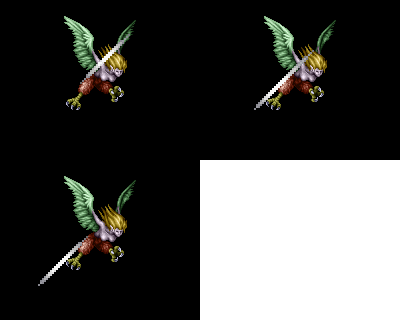
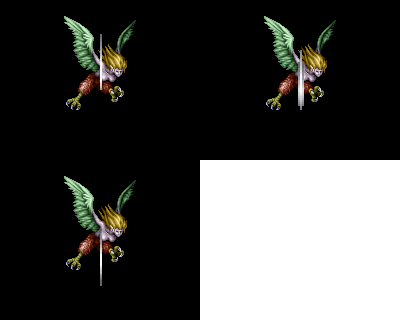
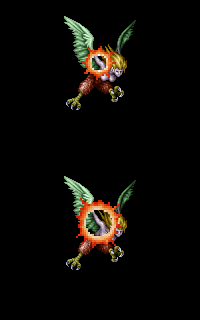
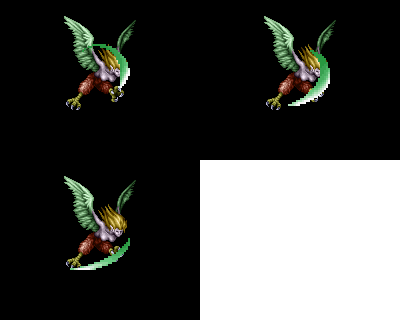
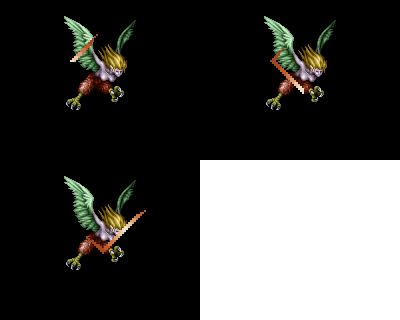
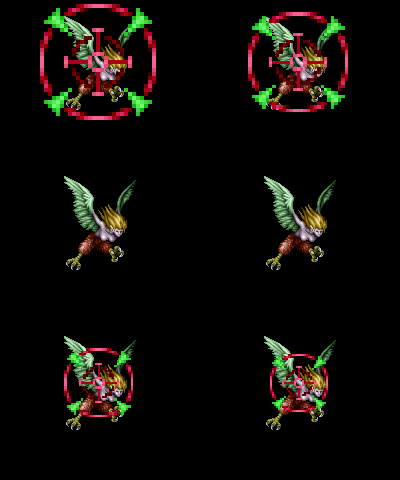
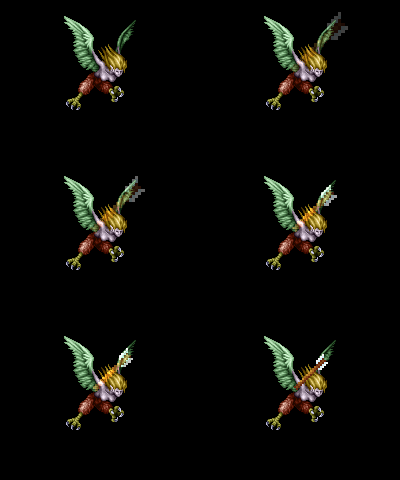
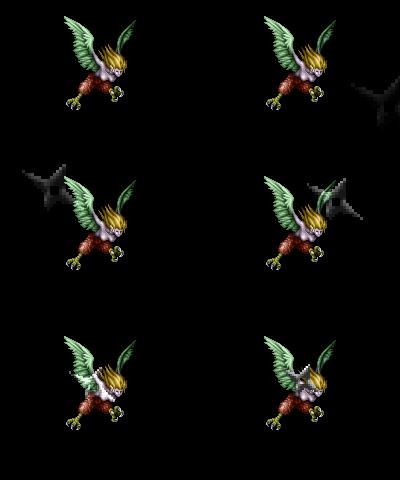
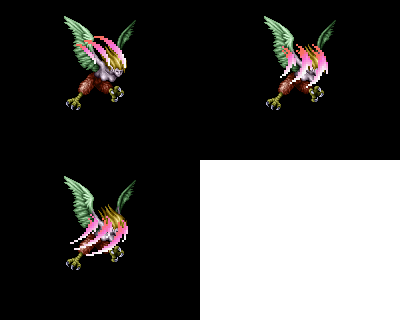
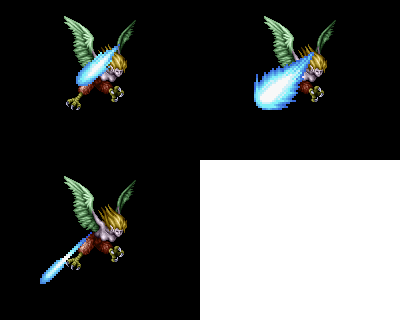
The ten attack animations, Sword 1 to Plasma.
| Hits | +0 | +1 | +2 | +3 | +4 | +5 | +6 | +7 |
|---|---|---|---|---|---|---|---|---|
| 0–7 |  |  |  |  |  |  |  |  |
| 8–15 |  |  |  |  |  |  |  |  |
| 16–22 |  |  |  |  |  |  |  |
Event Effects#
The Effect event command plays one of twelve effects over the map, picked by name Manual 2 p. 15. Most glow over the scene and fade; the event waits until the effect is over.
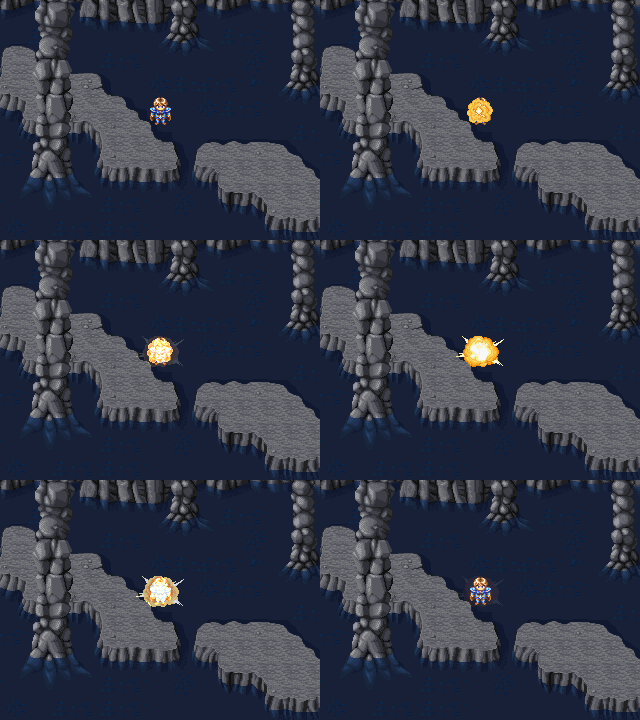
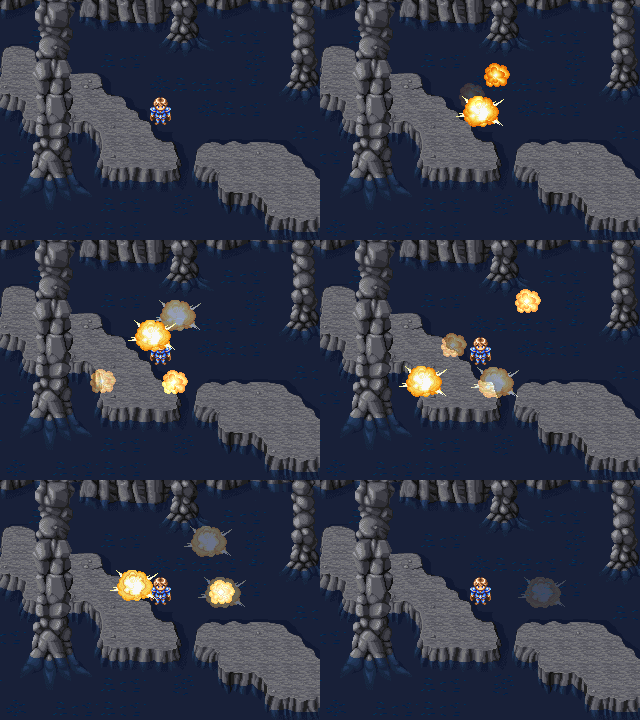
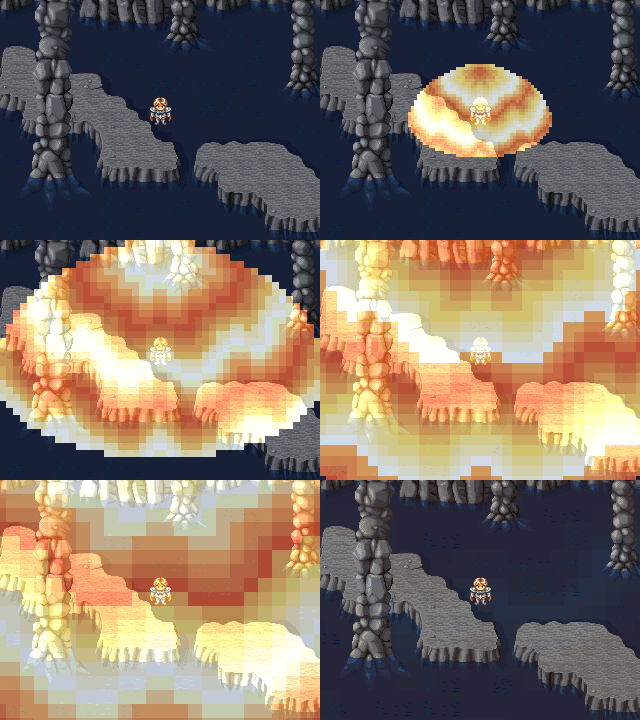
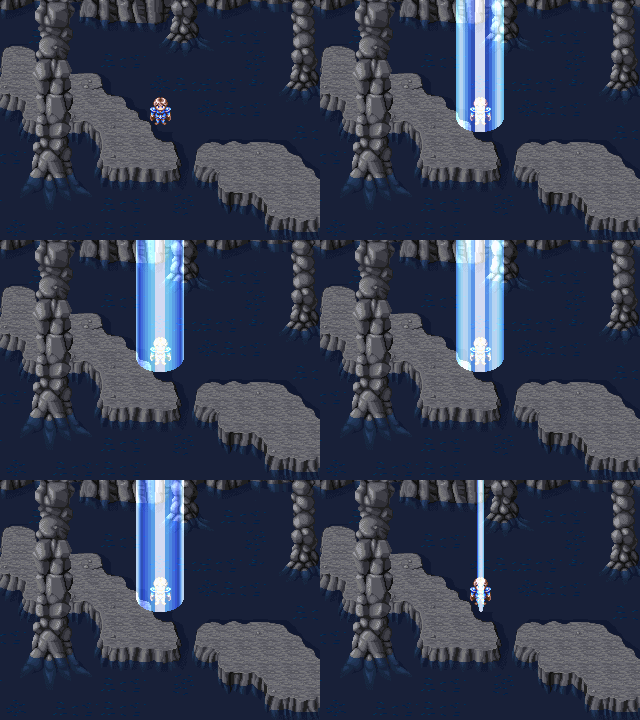
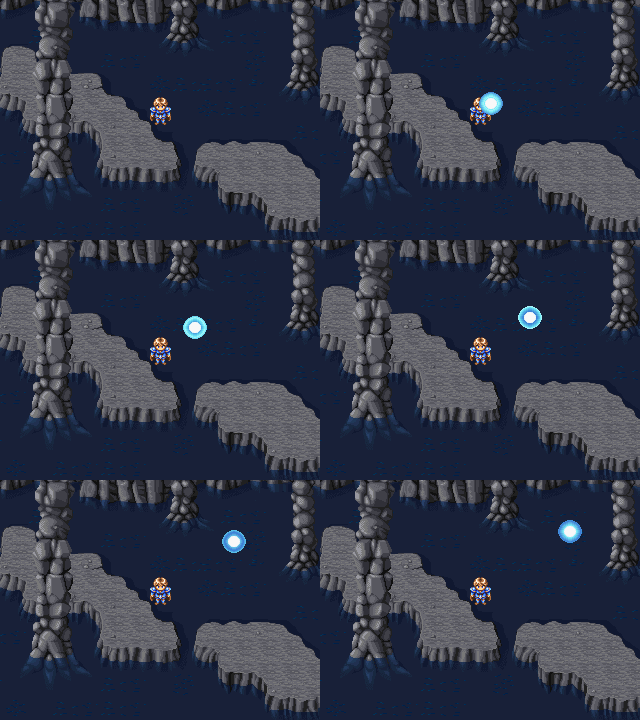
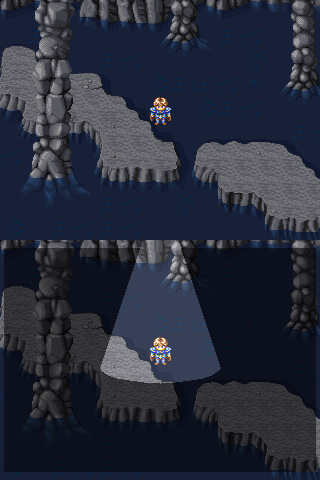
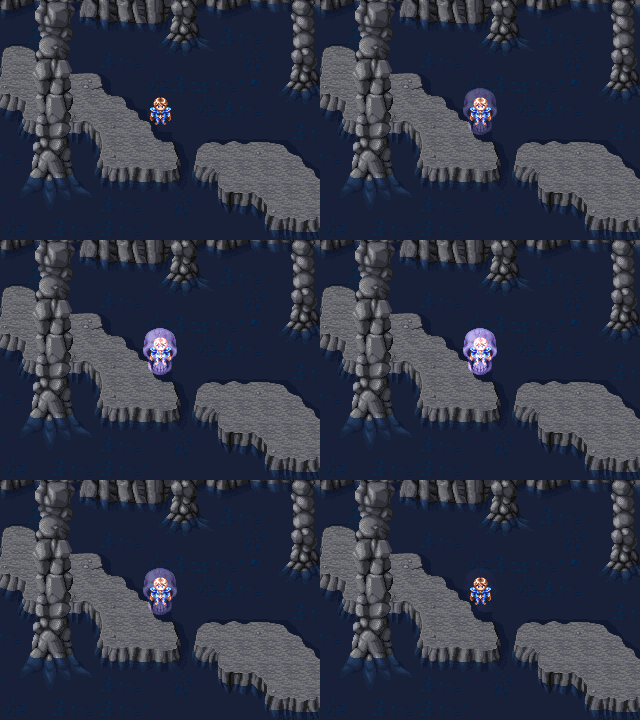
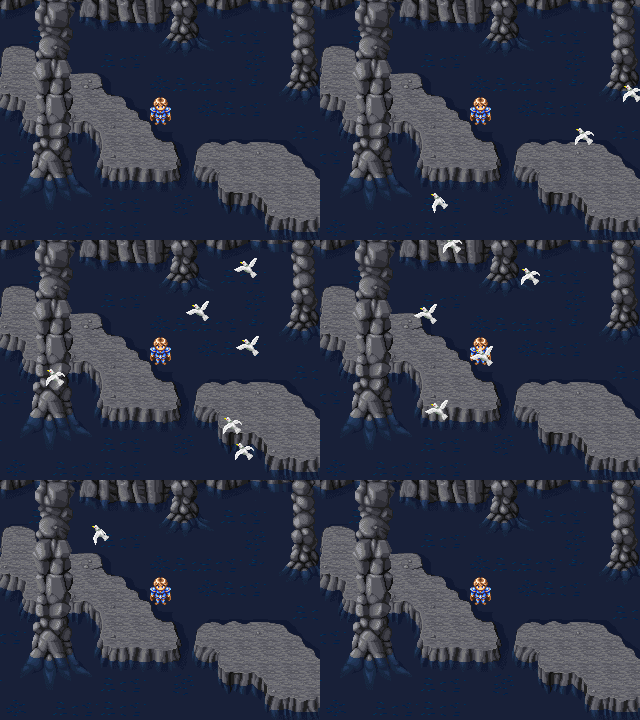
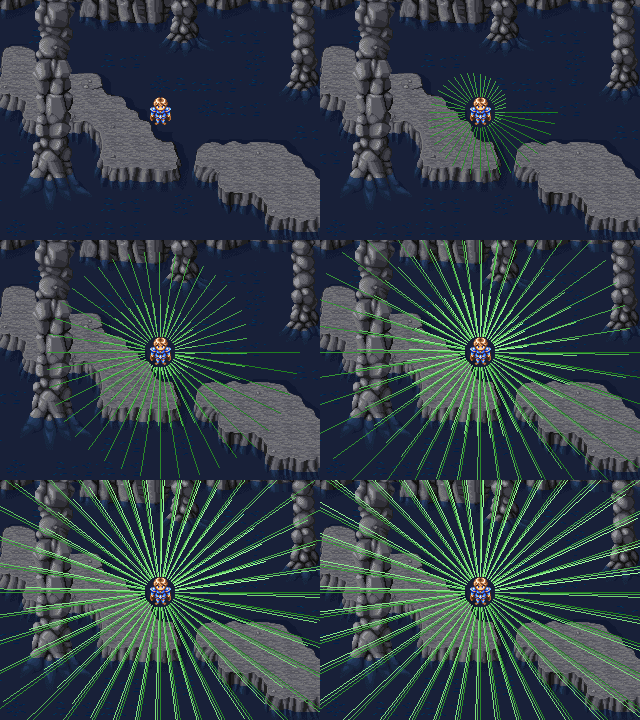
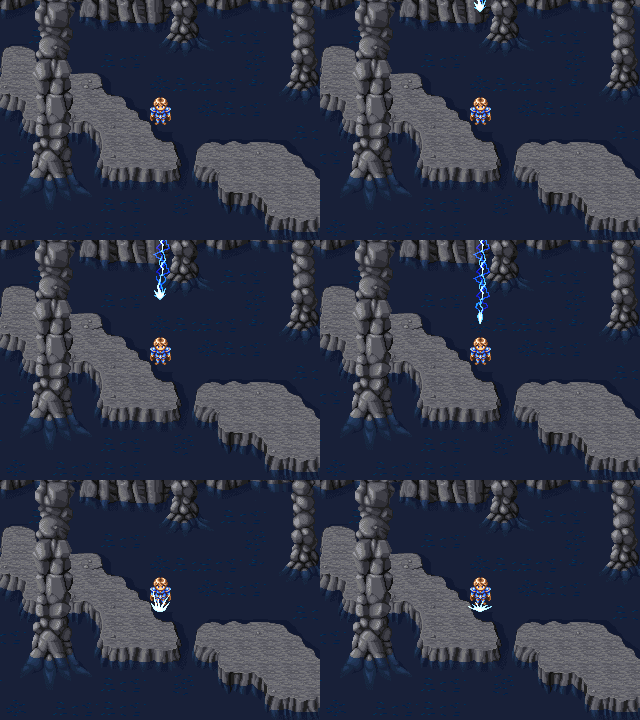
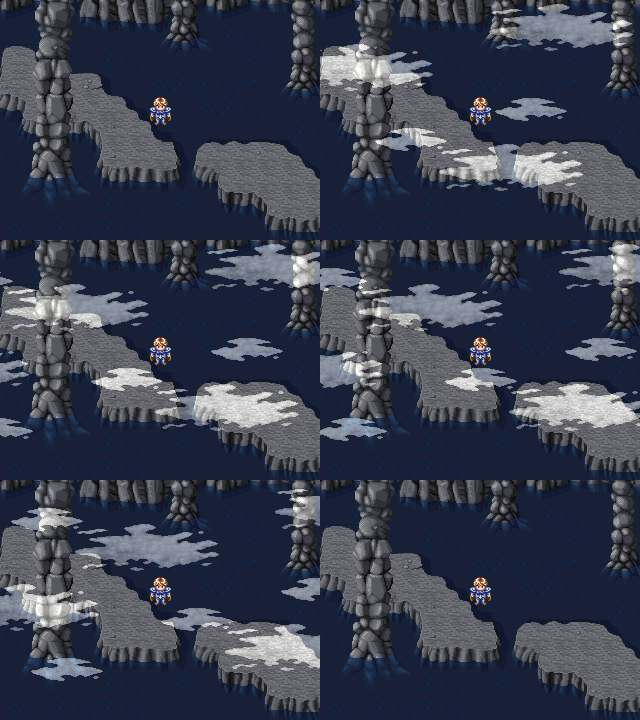
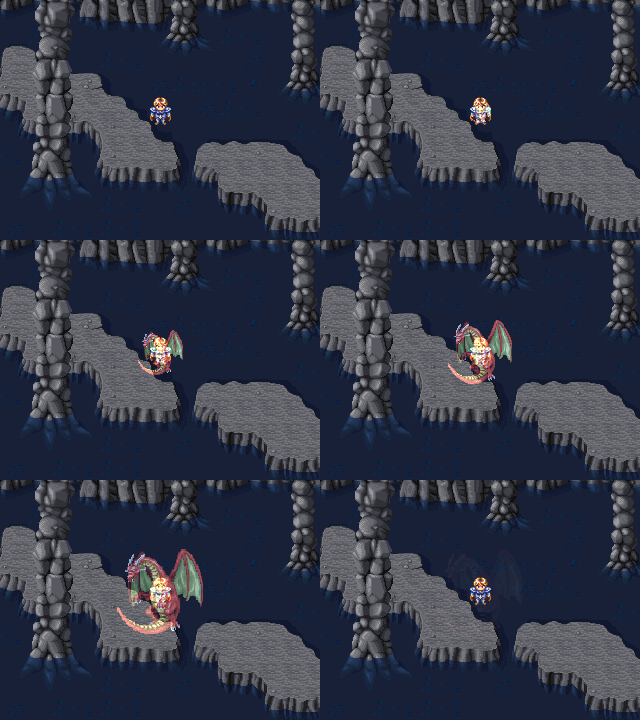
The twelve event Effects, at the game's speed: Explosion, Multi Explosions, Big Explosion, Light, Light Ball, Spotlight, Skeleton, Bird, Warp, Lightning, Gas and Dragon.
Each effect has a picture or two of its own (a skull, three frames of a bird, a dragon, two gas clouds, bursts and bolts) with palettes that cycle while it plays. How to place one and what each does is on Events.
Title screens#
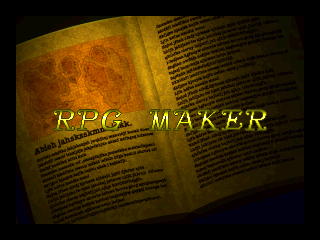
Title Edit sets what the Display Title event command shows: a background Screen, the game's name in one of three colours, where the name goes, and how it arrives Manual 1 pp. 11–12. There is no title screen unless an event shows one.
| Screen | Name | Picture | Games using it |
|---|---|---|---|
| 0 | None | black | 38 |
| 1 | Book | 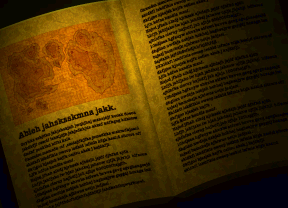 | 16 |
| 2 | Sunset | 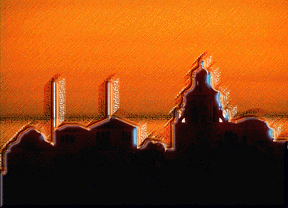 | 12 |
| 3 | Space | 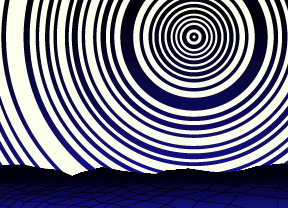 | 3 |
| 4 | Stars | 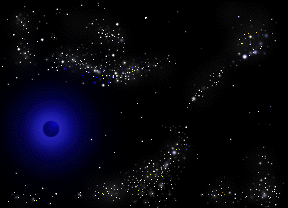 | 11 |
| 5 | Sky | 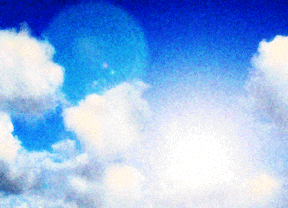 | 14 |
| 6 | Country | 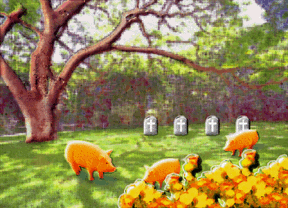 | 4 |
| 7 | Magic Symbol | 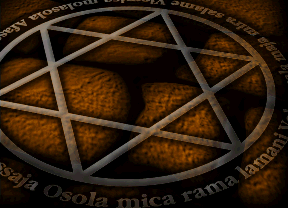 | 13 |
| 8 | Bricks | 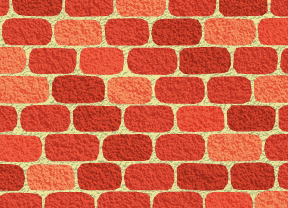 | 1 |
| 9 | Hearts |  | 5 |
| 10 | (the imported picture, listed by its name) | an Anime Maker background, see Anime Maker | 56 |
The last column counts the 173 game data saves in a community archive of RPG Maker games: an imported picture is the most common choice, then a black screen.
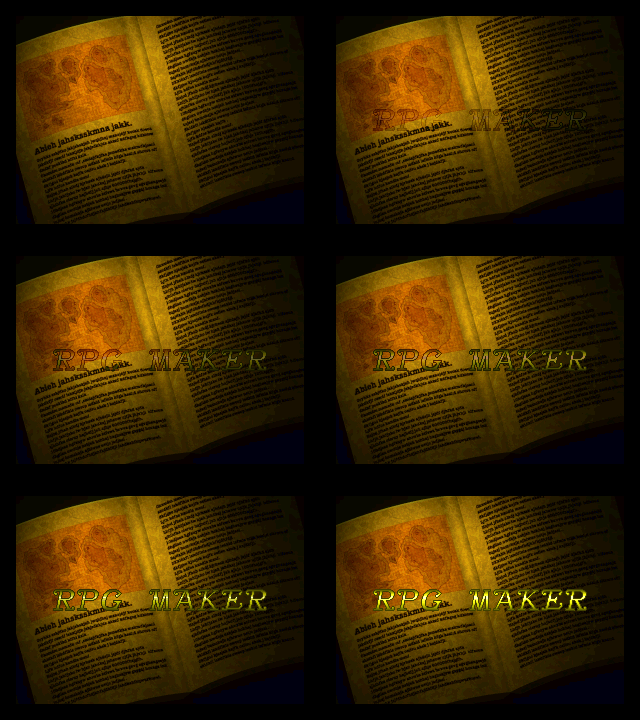
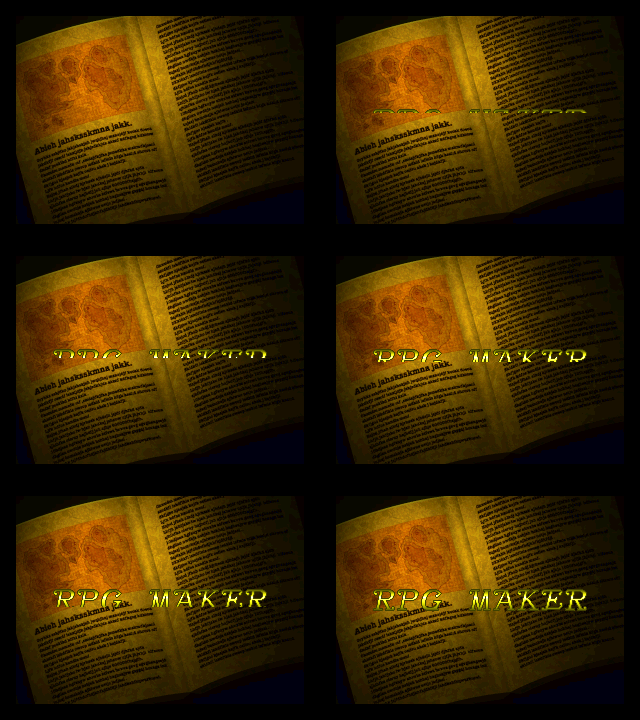
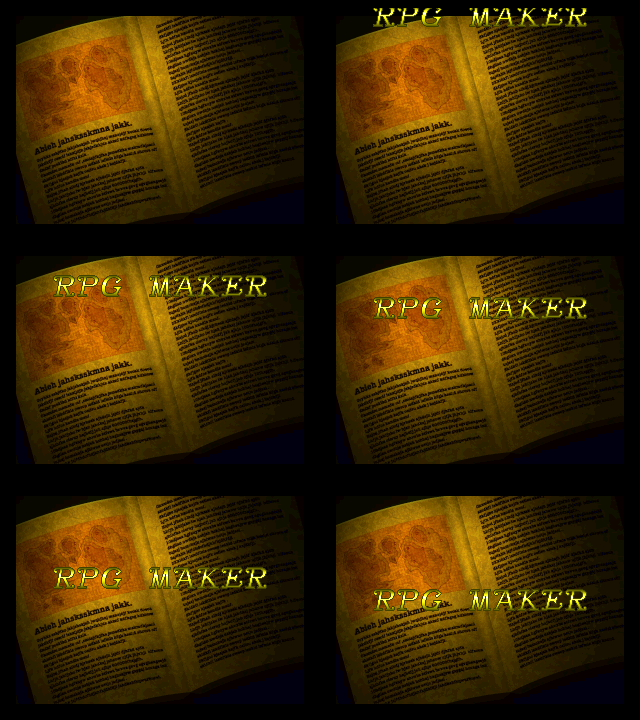
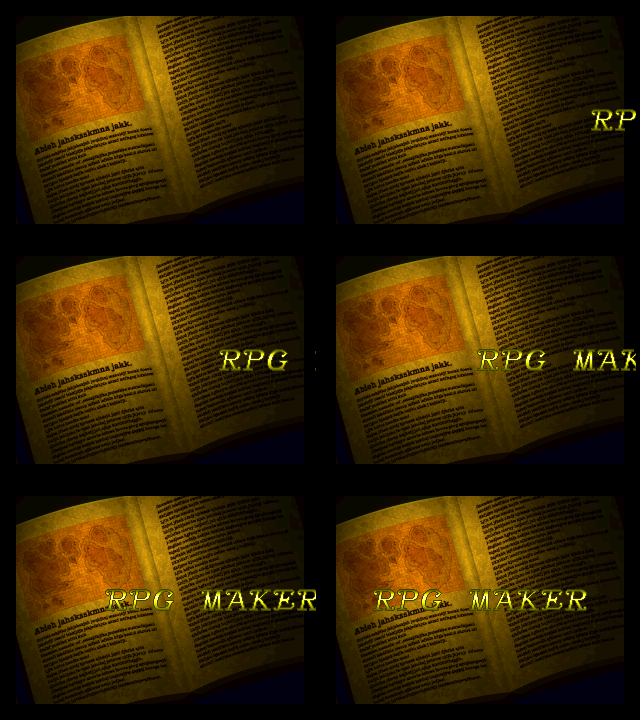
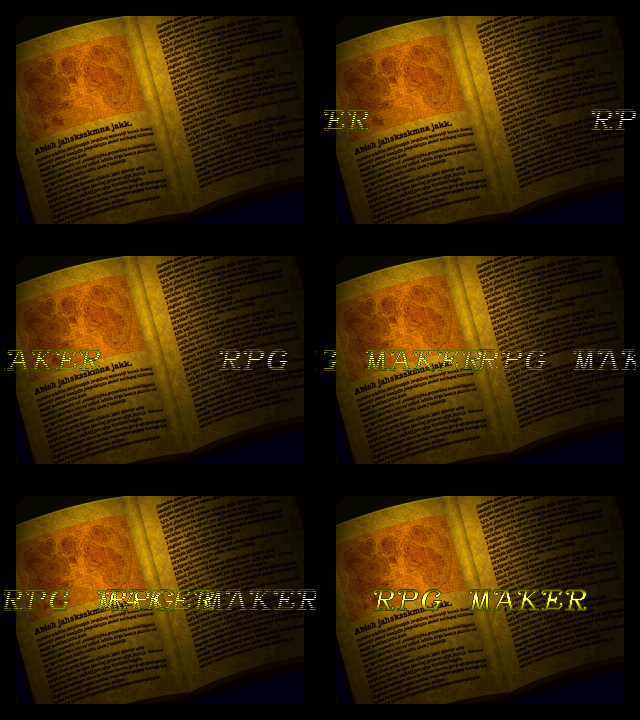
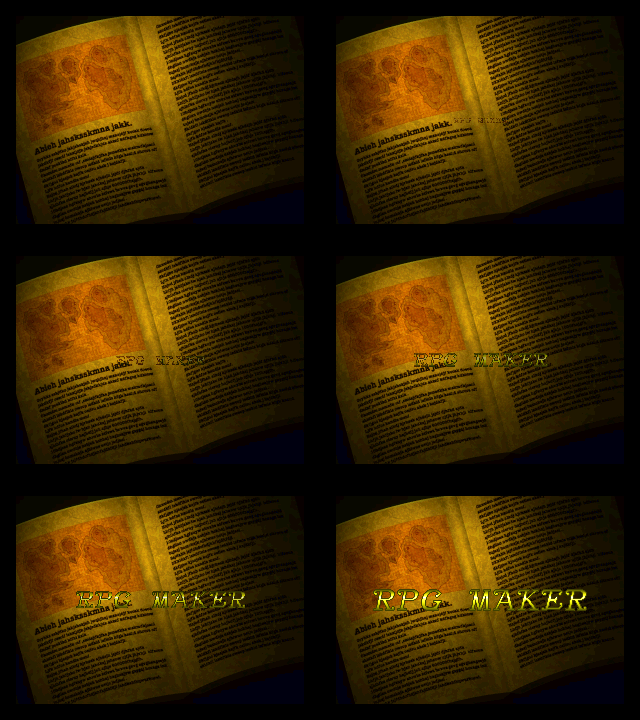
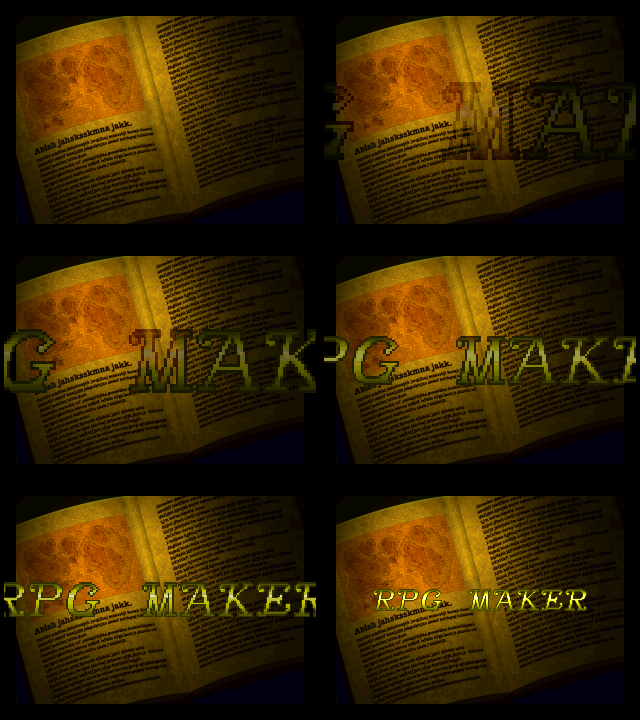
The eight title effects: None, Fade In, Fade From Top, Top, Right, Left & Right, Background and Foreground.
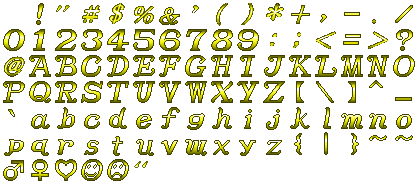
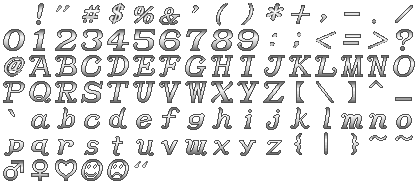
The title is written in a 24 × 24 font, centred, in Gold, Silver or Blue, at the Center, Top or Bottom. A name too long for the width is squeezed to fit.
Fonts and windows#
The game's text uses an 8 × 12 font in eight colours, and windows with a bevelled border that open in ten steps. The editors and menus use a smaller 8 × 8 font. Display Message has five kinds of message, and two kinds of choice Manual 2 p. 6:
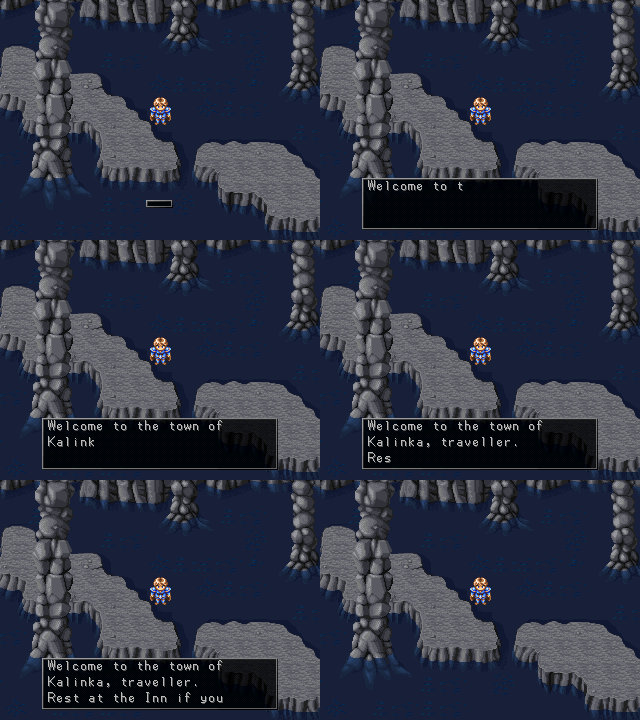
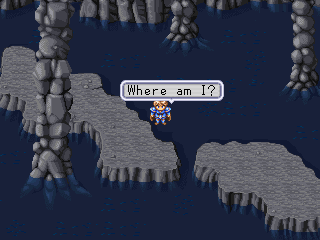
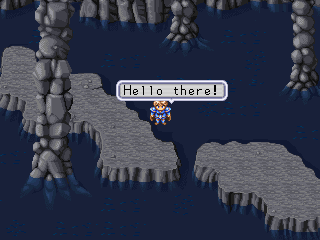
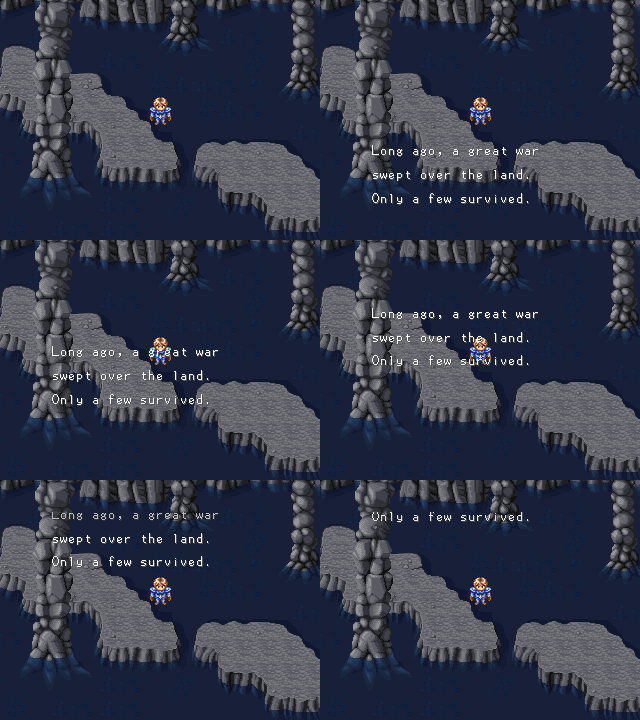
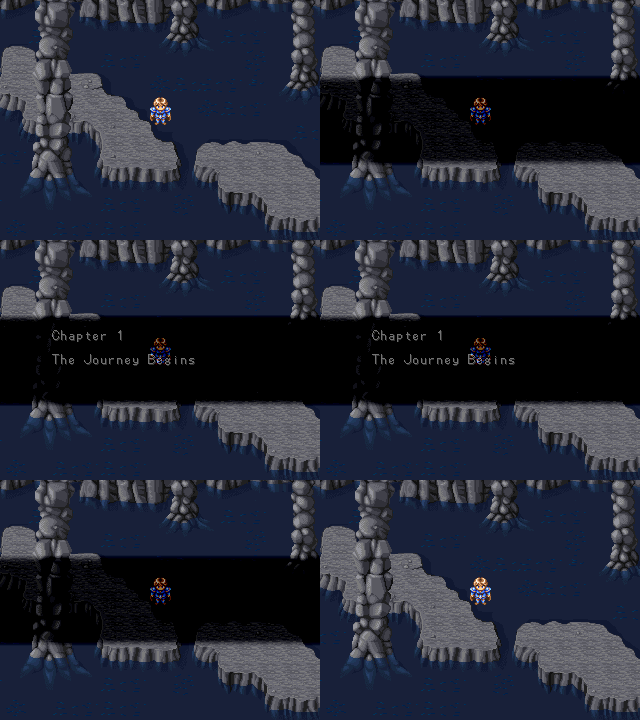
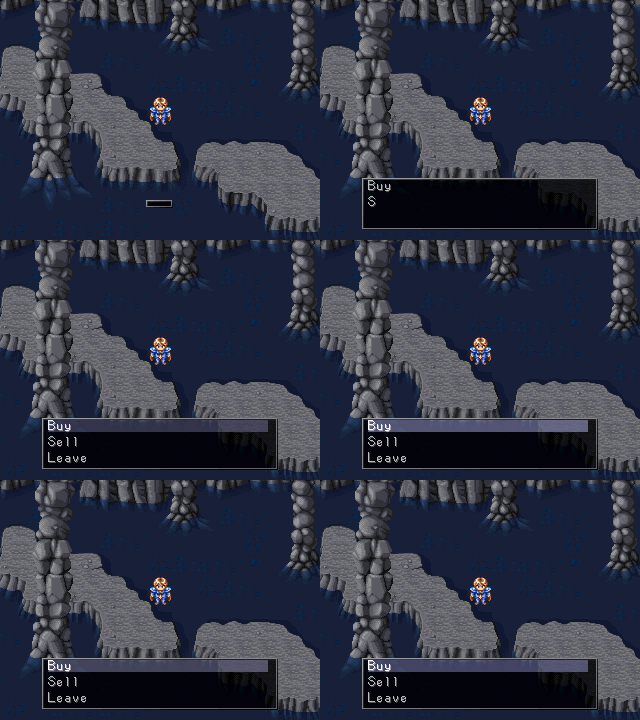
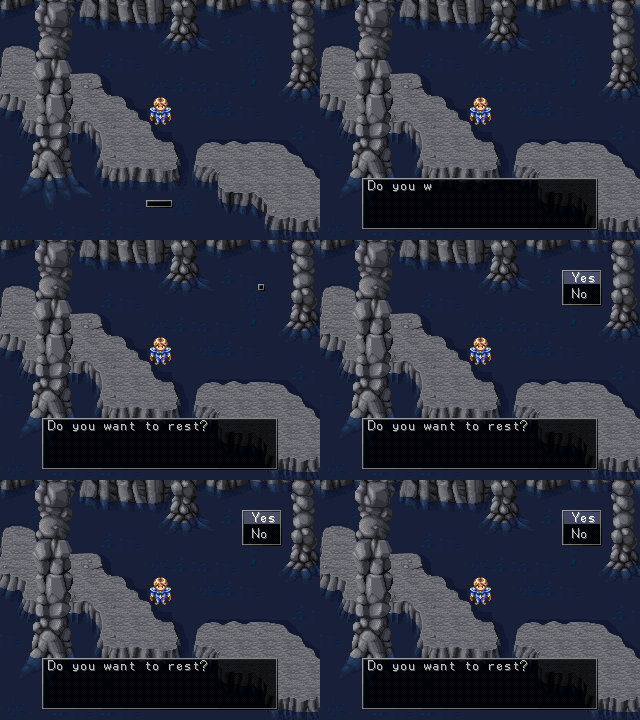
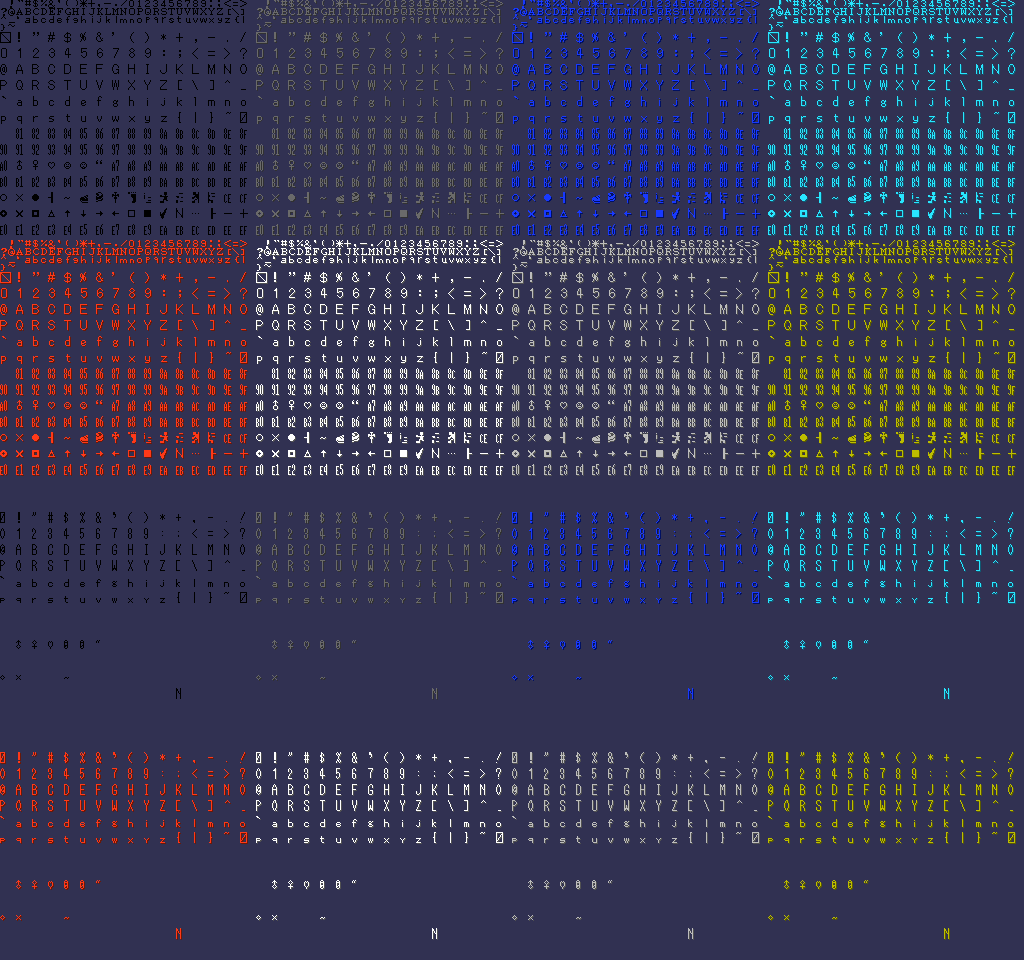
The font has a few extra signs: ♂, ♀, a heart, face icons, and curly quotes. How to write messages is on Events; how they look to the player, on Playing a game.
The credits#
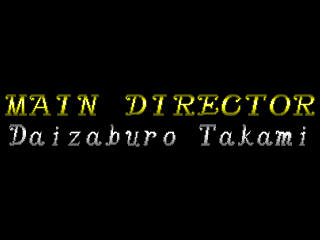
The Ending event command Manual 2 p. 16 rolls RPG Maker's own credits after the game's: first "ORIGINAL GAME STAFF" with the four job titles and names the game sets in Set System Data (System Data), then the staff of RPG Tsukuru 3, then "RPG MAKER STAFF", the American localisation. Job titles slide in from the right in Gold, names zoom in in Silver. The game's own snapshots, taken with the Snapshot command, appear between pages, dimmed. Without snapshots the roll takes about 3 minutes 53 seconds.
Anime Maker imports#
Characters (69 onwards), monsters (100 onwards) and one title picture (Screen 10) can come from Anime Maker saves on a memory card. How they are made, and what each kind can be, is on Anime Maker.